Skip to content
Smart WiFi

CCTV platform

Local recording with one app for cameras and network.

UniFi Protect combines compatible cameras, recording appliances and management tools, with footage recorded locally and viewable remotely.
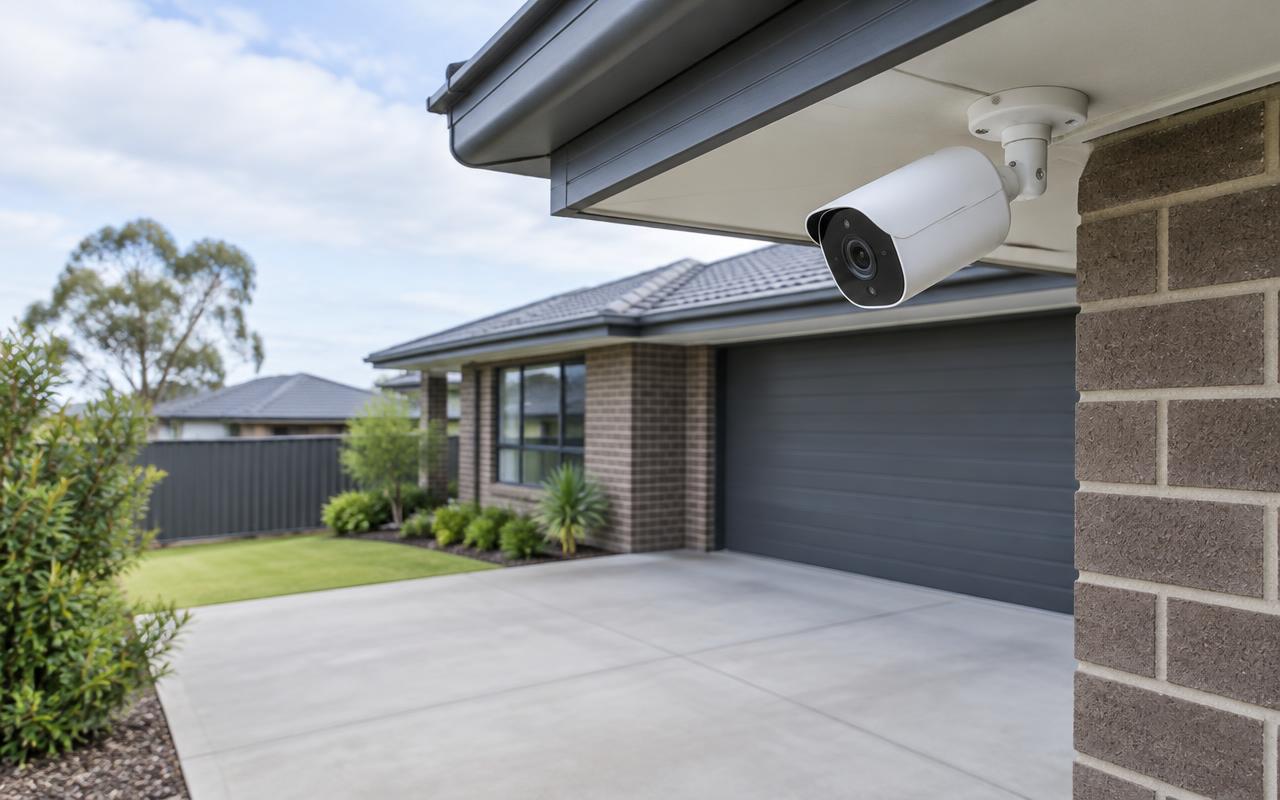
Outdoor camera under a house eave overlooking a driveway and garage
Driveway and entry coverage. Illustrative image of generic, unbranded equipment — not our completed work.

The problem

Why it matters

Many homes and businesses want a tidy, app-based camera system without ongoing per-camera fees — but the recorder still has to suit the number of cameras, their resolution and how long footage must be kept.

How it works

Our approach

  1. 01Cameras are selected from indoor and outdoor styles with fields of view to suit each location.
  2. 02Recording runs on a compatible UniFi console or dedicated NVR. Recorders differ in drive bays and supported camera load, so we size the recorder from camera count, resolution, recording load, retention target and usable storage.
  3. 03Supported drive configurations are confirmed for the chosen recorder — not every UniFi recorder accepts the same number of drives.
  4. 04Remote viewing, permissions, timeline review and footage export are set up and handed over.

Camera styles

Domes, turrets, bullets and compact cameras cover different mounting positions and views. We match style and lens to what each camera needs to see.

Smart detections

Person and vehicle detections are available on supported cameras and recorders, which helps narrow searches. Availability depends on the equipment selected.

Growing the system

Cameras can be added over time, within the limits of the recorder and network. We plan PoE and storage headroom so expansion doesn't mean replacing everything.

How it fits together

Camera → network → recording → viewing

  1. Camera

    Captures the view it was positioned and configured for.

  2. Network

    Cabling and PoE switching carry video and power.

  3. Recording

    An NVR or console stores footage for the retention target.

  4. Viewing

    Authorised users watch live, search and export on phone or desktop.

Simplified illustration of a typical recorder-based system.

In pictures

What this looks like

Illustrative images of typical equipment and settings — not photographs of our completed projects.
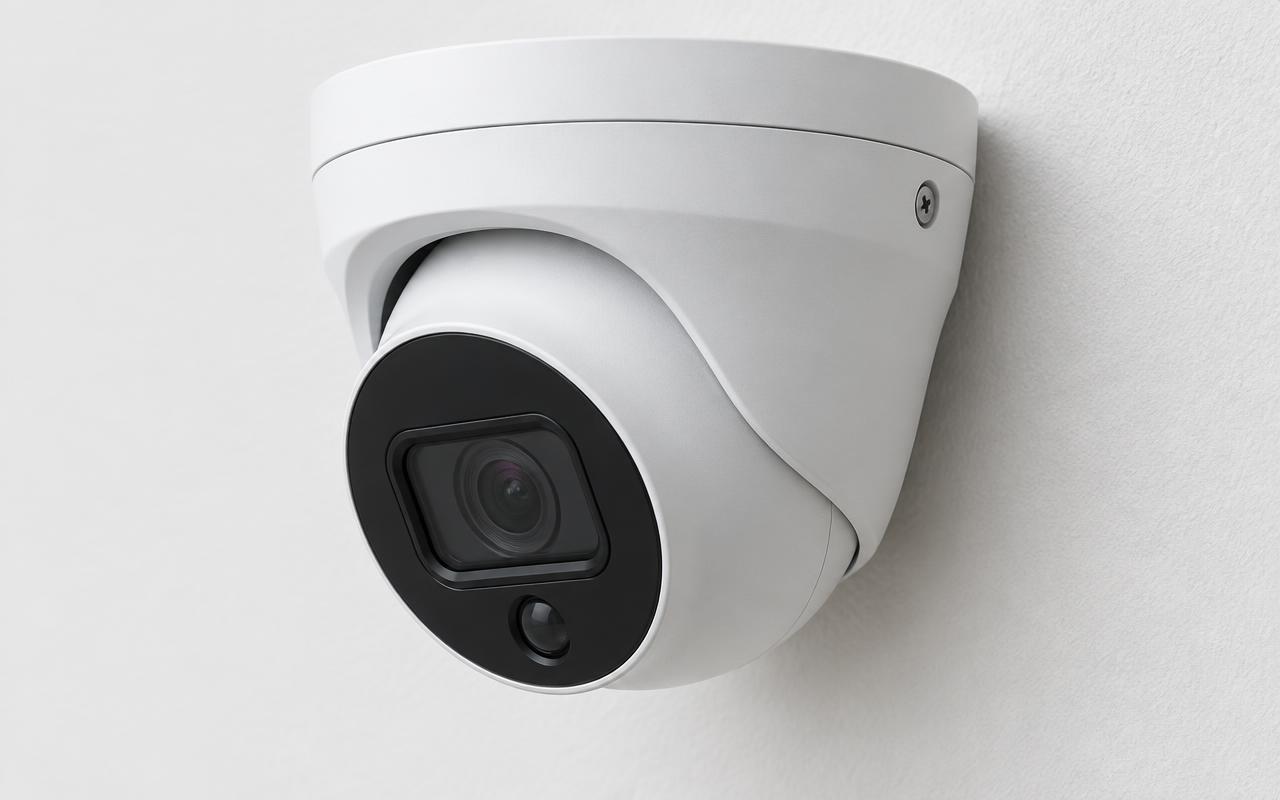
Close-up of a white turret camera mounted on a wall
Turret camera close-up. Illustrative image of generic, unbranded equipment — not our completed work.
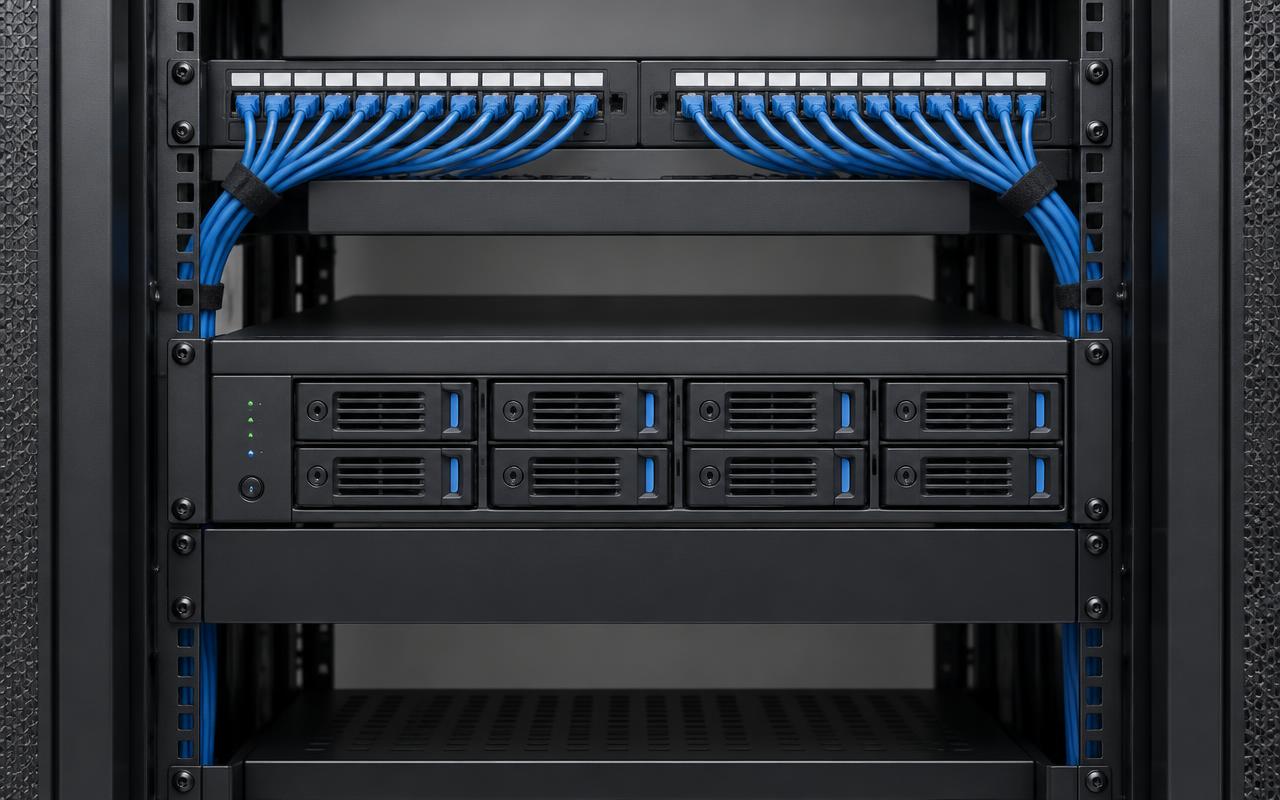
Network video recorder with drive bays in a tidy communications rack
Recorder with drive bays in a rack. Illustrative image of generic, unbranded equipment — not our completed work.
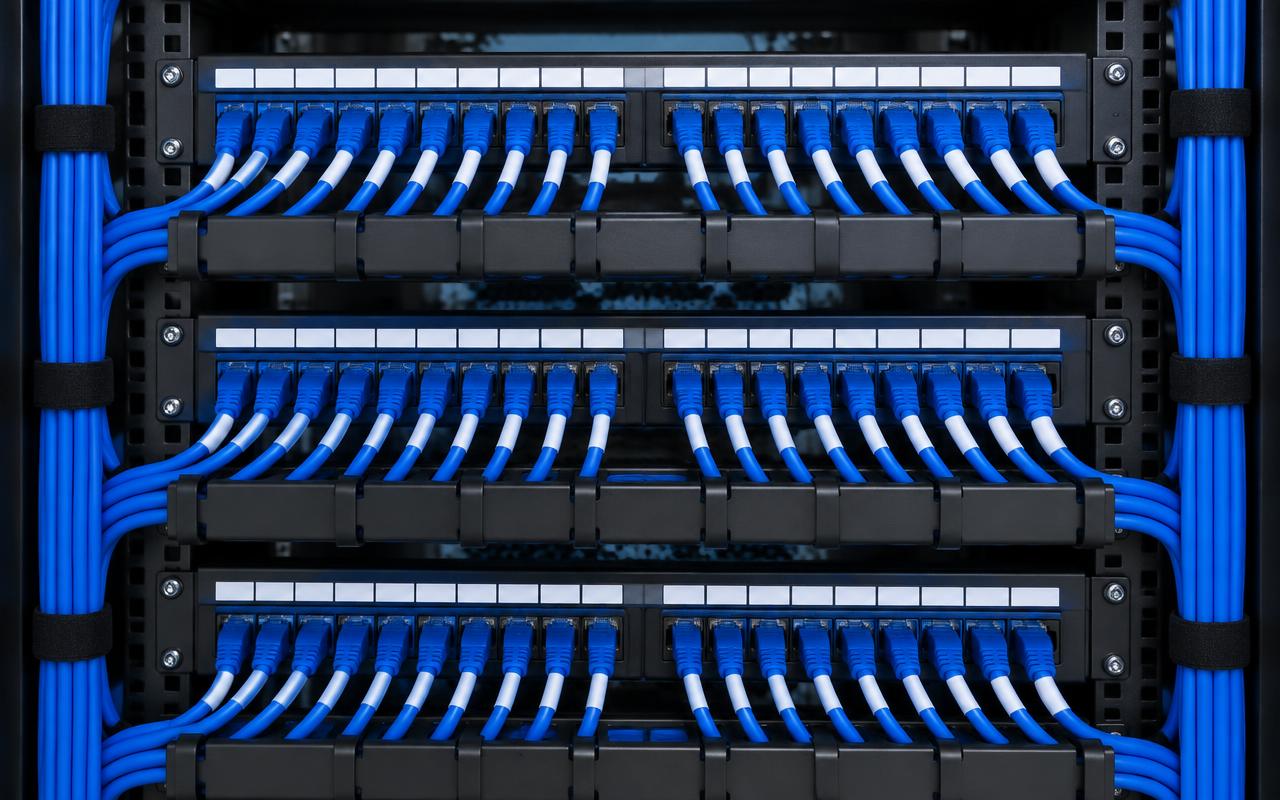
Neatly dressed blue patch leads across labelled patch panels
Dressed and labelled patch panels. Illustrative image of generic, unbranded equipment — not our completed work.

Suitable for

  • Homes and home offices
  • Small and medium businesses
  • Sites already using UniFi networking

Installation includes

  • Coverage plan and camera selection
  • Cabling, mounting and weatherproofing
  • Recorder and storage setup
  • Mobile and desktop viewing with user permissions
  • Handover and user training

Relevant equipment

  • UniFi Protect cameras
  • UniFi consoles and dedicated NVRs
  • UniFi PoE switching

What changes the price

  • Camera count, type and lens
  • Recorder, storage and retention target
  • Cable runs and mounting height
  • Brand-specific licences (quoted separately)

FAQs

Common questions

Talk to us about your site.

Tell us what you have and what you need. We'll assess the site and send an itemised proposal, with licences, subscriptions and monitoring shown separately from installation.

Get an estimate