WiFi, cameras, computers and building systems depend on the connections behind them. We install structured copper and fibre cabling with organised pathways, clear labelling and testing matched to the project. Registered cablers working to ACMA requirements.
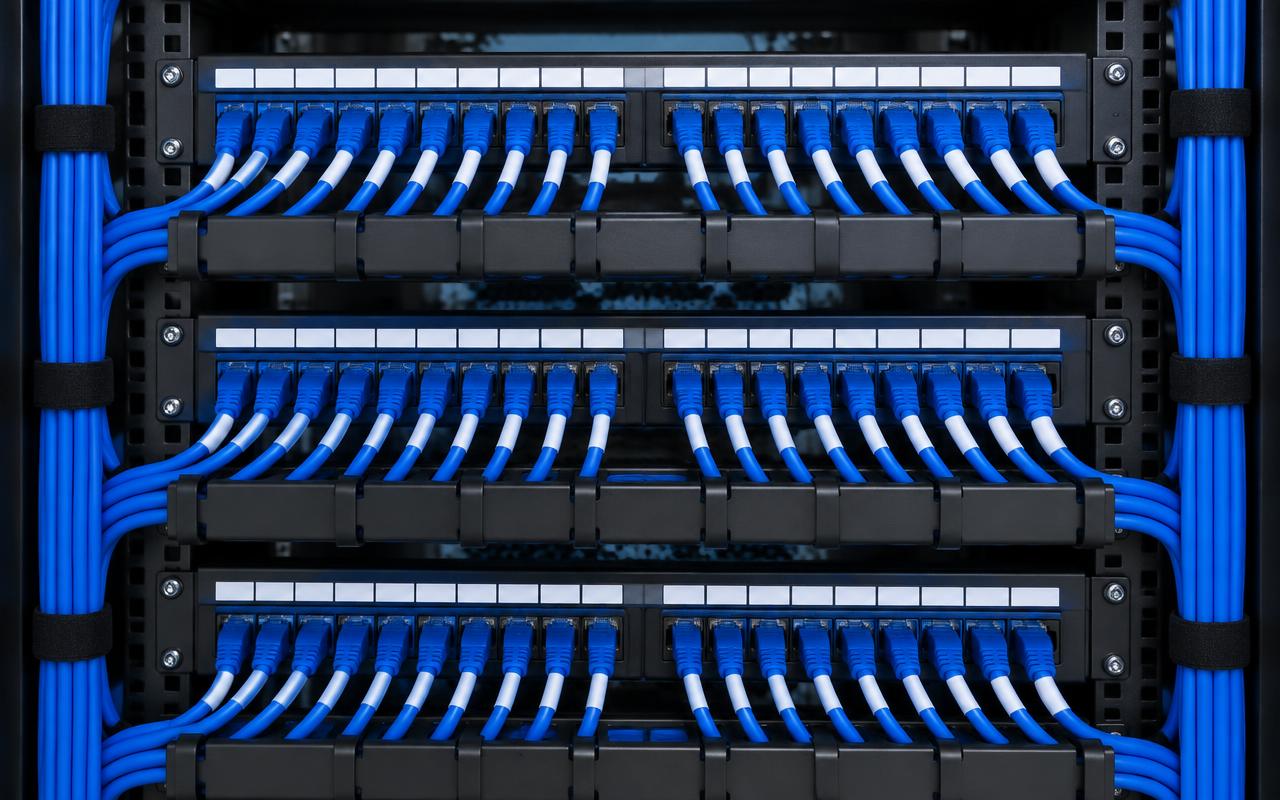
Dressed and labelled patch panels. Illustrative image of generic, unbranded equipment — not our completed work.
The problem
Why it matters
Untested, unlabelled or poorly terminated cabling causes intermittent faults that are hard to trace and expensive to fix later.
How it works
Our approach
01Runs are planned from each outlet, access point or camera back to a rack or switch location.
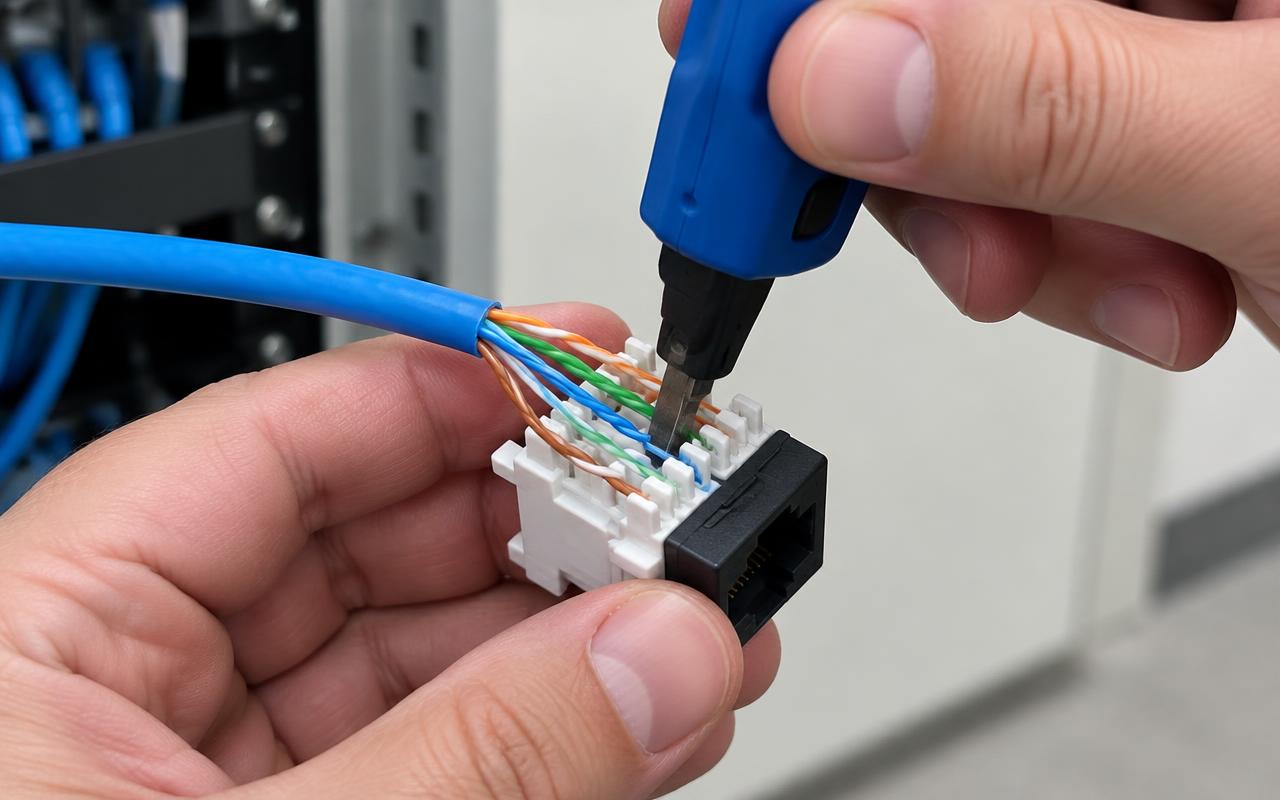
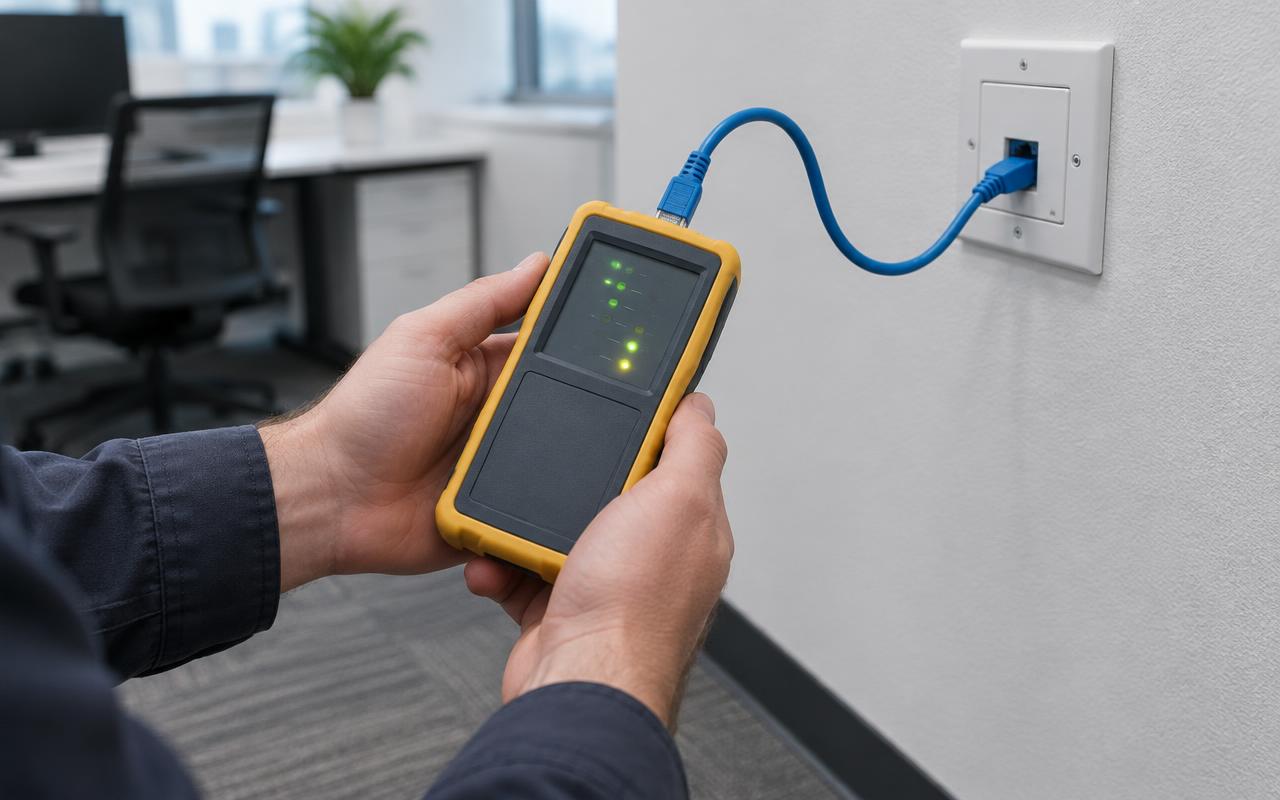
02Cables are terminated, labelled at both ends, patched and tested to the agreed test level.
03A signed cabling compliance statement (such as TCA1) is provided where required.
04Cat6A is our default proposal for new 10 GbE copper links, subject to design.
New outlets, Cat6 and Cat6A
New network outlets for desks, screens and devices, using Cat6 for most everyday links and Cat6A where 10 Gb/s copper or future capacity is wanted.
New network outlets
Cat6 and Cat6A installations
Office fit-outs, relocations and expansion
Cabling for WiFi and security
Access points, cameras, door readers and controllers all need cabling to suitable locations, often with PoE. We plan these runs with the rest of the network.
WiFi access point cabling
CCTV and access control cabling
Racks, patching and clean-ups
Patch panels and communications racks are installed and dressed so ports can be traced. Untidy racks can be repatched and labelled without starting over.
Patch panels and comms racks
Rack clean-ups and repatching
Faults, documentation and handover
We trace and replace damaged cabling, and finish every job with labels, test results and documentation you can hand to the next technician.
Fault finding and replacement
Documentation and handover
Copper or fibre?
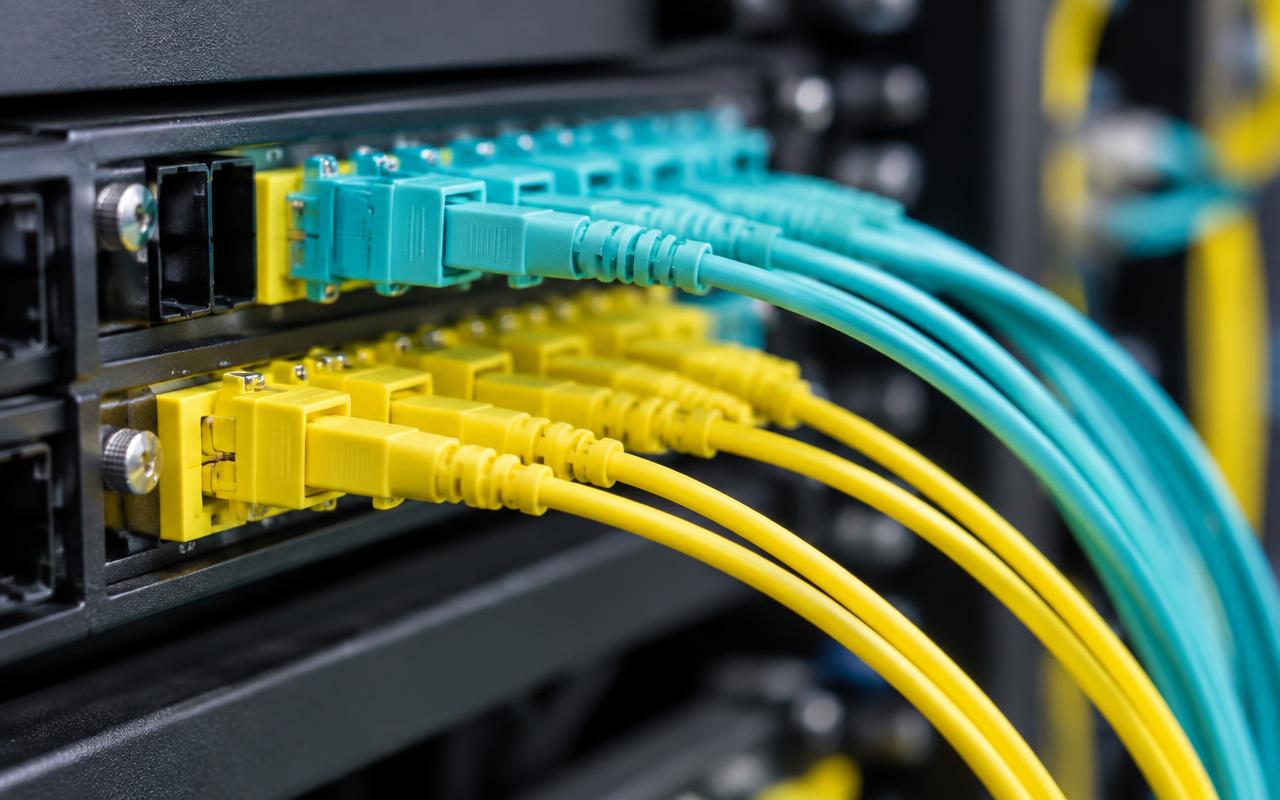
Copper carries electrical signals and suits runs up to about 100 m to outlets and devices — and can deliver PoE power. Fibre carries light, suits longer backbones and links between floors or buildings, and doesn't conduct electricity, but can't power devices.
Structured cabling with CommScope
CommScope provides copper and fibre connectivity for structured networks, including SYSTIMAX solutions where specified. We select suitable cable, outlets and patch panels, design the complete channel with consistent components, and install, test and document it with room for expansion. Performance depends on the complete system and how it is installed, not the cable brand alone. Any manufacturer warranty is subject to eligibility and project requirements being verified — we don't claim partner certification or an extended system warranty by default.
Cable, outlet and patch panel selection
Complete channel design with consistent components
Organised racks and patching
Copper and fibre backbone options
Testing, documentation and future expansion
Cable guide
Which cable for which job?
Distances are illustrative examples for the stated application, not guarantees. A standard copper channel is normally up to 90 m of permanent cabling plus patch leads. Optics, connectors, loss budget and installation conditions determine the actual design.
Medium
Illustrative application & distance
When useful
Cat6
1 GbE and commonly 2.5 GbE to a 100 m channel; 10 GbE to about 55 m subject to conditions
General outlets, cameras and many access points
Cat6A
10 GbE to a 100 m channel
New 10 GbE copper links and high-performance AP uplinks
Cat7 / Class F
10 GbE to 100 m as a complete compliant system
Specialist shielded requirements
OM3 multimode
10GBASE-SR up to 300 m
Shorter backbone and building links
OM4 multimode
10GBASE-SR up to 400 m
Higher-performance multimode backbones
OS2 single-mode
10GBASE-LR up to 10 km with suitable optics
Long routes, campus and inter-building
In pictures
What this looks like
Illustrative images of typical equipment and settings — not photographs of our completed projects.
Copper termination. Illustrative image of generic, unbranded equipment — not our completed work.Testing an outlet. Illustrative image of generic, unbranded equipment — not our completed work.Fibre patch panel and connectors. Illustrative image of generic, unbranded equipment — not our completed work.