Skip to content
Smart WiFi

Electronic security

Control who can enter, where they can go and when.

Replace the limitations of traditional keys with an electronic access system designed around your property. Manage access for staff, residents, contractors and visitors, with permissions that can be updated as requirements change.

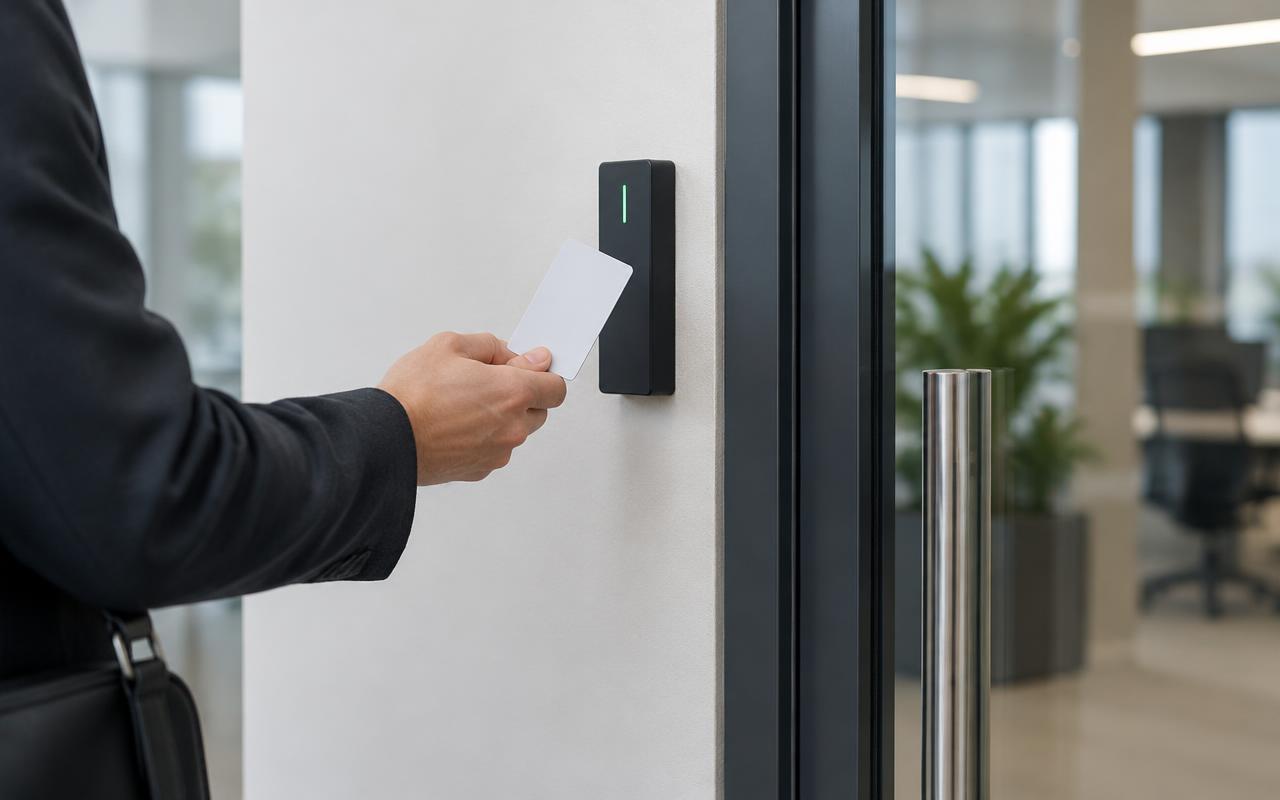
Person presenting an access card to a reader beside a glass office door
Card presented at an office entry. Illustrative image of generic, unbranded equipment — not our completed work.

The problem

Why it matters

Lost keys mean changed locks, and nobody knows who opened which door. Electronic access lets you remove a credential in moments and see access history — but every door is different, so the locking hardware, cabling, power and exit arrangements must be assessed first.

How it works

Our approach

  1. 01We assess each door: its construction, existing hardware, how people exit and any applicable requirements.
  2. 02Readers, controllers and suitable electric locks are selected for each door. One locking arrangement is not suitable for every property.
  3. 03Emergency release and safe exit behaviour are designed for the specific door and applicable requirements.
  4. 04Users, groups and schedules are configured, and staff are shown how to add, change and remove access.

Where it's used

Electronic access suits any property where several people need different levels of access.

  • Homes and residential buildings
  • Offices and shared workplaces
  • Retail and commercial premises
  • Warehouses and industrial facilities
  • Multi-building and multi-site properties
Credentials

Cards and key fobs are the most common credentials. Mobile credentials are available where the selected system supports them.

  • Cards and key fobs
  • Mobile credentials where supported
  • Temporary access for contractors and visitors
  • Instant removal of lost or expired credentials

Permissions and schedules

Access is set by person, door and time. A cleaner might have evening access to the office but never the server room; staff might enter only during business hours.

  • Access schedules
  • User groups and permissions
  • Access event history

Alerts and integration

Where supported, the system can alert on doors held open or forced. Optional intercom, CCTV and alarm integration is available on compatible equipment — not every brand integrates with every other.

Platforms

Genea, Inner Range and UniFi Access

Genea

A cloud-based option for managing users, credentials and access across one or many locations from central administration. It supports physical and mobile credentials, access schedules and compatible integrations. Mobile wallet support and reuse of existing equipment must be confirmed against the selected hardware, credentials and licensing.

Inner Range

Inception provides integrated access control and intruder detection with browser-based management. Integriti is an integrated platform for more complex access, intrusion and security-management requirements. We assess which platform fits the site rather than promising a fixed system size or universal integration.

UniFi Access

Uses compatible UniFi controllers, readers and door hardware, with user permissions, access schedules, supported credentials, door management and compatible intercom options. Credential types and integration features are confirmed against the selected equipment.

Compare

Access control platforms at a glance

Not a ranking — the right choice depends on the site, the doors and how you want to manage them. Features are confirmed against the selected equipment.

PlatformManagementCredentialsIntegrationTypical considerations
GeneaCloud-based central administrationCards, fobs and mobile credentials (hardware dependent)Compatible integrations — confirmed per projectOngoing subscription; suits multi-location management
Inner Range InceptionBrowser-based, on-site controllerCards and fobs; others depend on readersIntegrated access and intruder detectionSmall to medium sites wanting access and alarm together
Inner Range IntegritiIntegrated security-management platformRange of credentials depending on readersComplex access, intrusion and compatible integrationsLarger or more complex sites; designed and commissioned per site
UniFi AccessUniFi app and consoleSupported UniFi credentials (equipment dependent)Compatible UniFi intercoms and devicesSuits sites using UniFi; confirm features per model

Example

Permissions by person, door and time

Person or groupFront doorOfficeWarehouseServer room
ManagerAny timeAny timeAny timeAny time
Office staff7am–6pm7am–6pm——
Warehouse team6am–4pm—6am–4pm—
Cleaner6pm–9pm6pm–9pm——
Contractor (temporary)This week, 8am–5pm—This week, 8am–5pm—

Illustrative example of an access schedule.

Example

An access event linked to CCTV footage

  1. Door forced

    Warehouse side door opens without a valid credential.

  2. Alert

    The access system records the event and notifies nominated users.

  3. Footage

    The nearby camera's clip is bookmarked for quick review.

Illustrative example. Linking events to footage works only between compatible products — not all listed brands integrate with one another.

In pictures

What this looks like

Illustrative images of typical equipment and settings — not photographs of our completed projects.

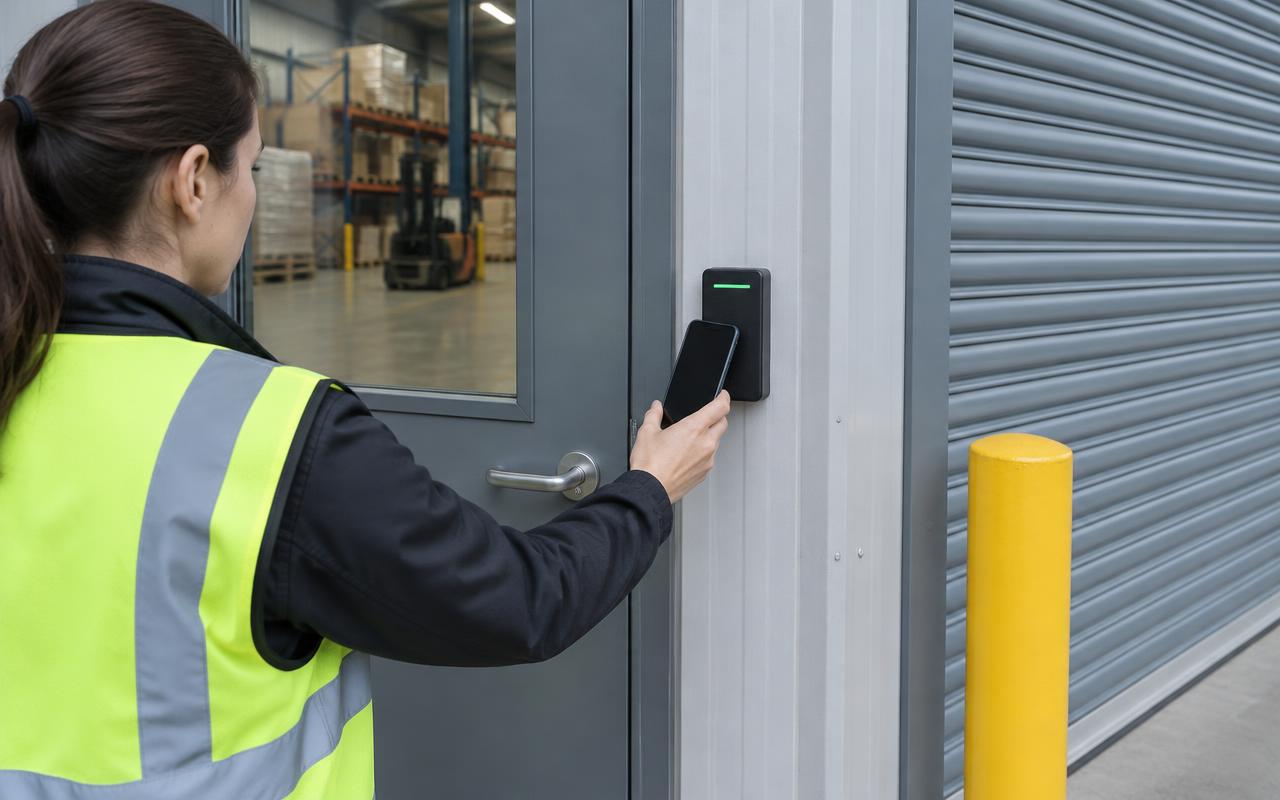
Worker presenting a phone to a reader at a warehouse personnel door
Mobile credential at a warehouse door, where supported. Illustrative image of generic, unbranded equipment — not our completed work.
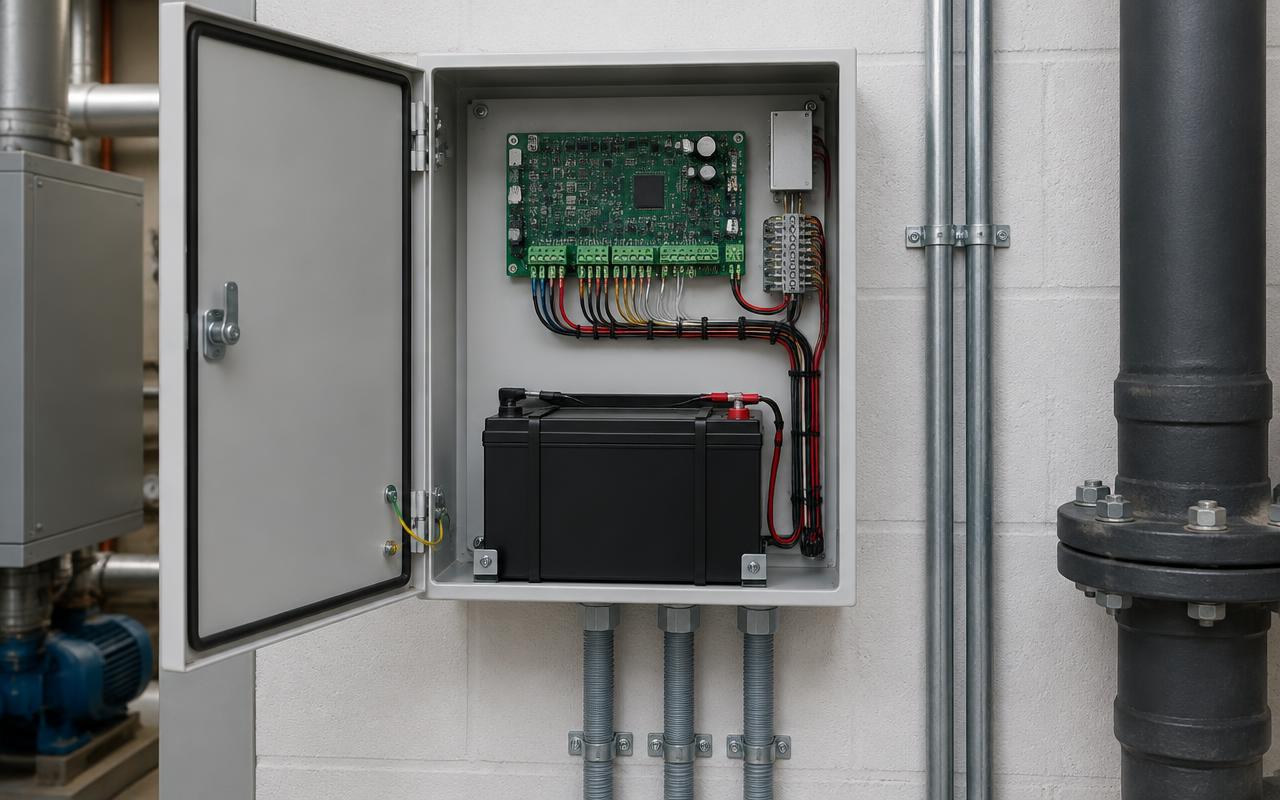
Open access control enclosure with circuit board, backup battery and tidy wiring
Controller and backup power enclosure. Illustrative image of generic, unbranded equipment — not our completed work.
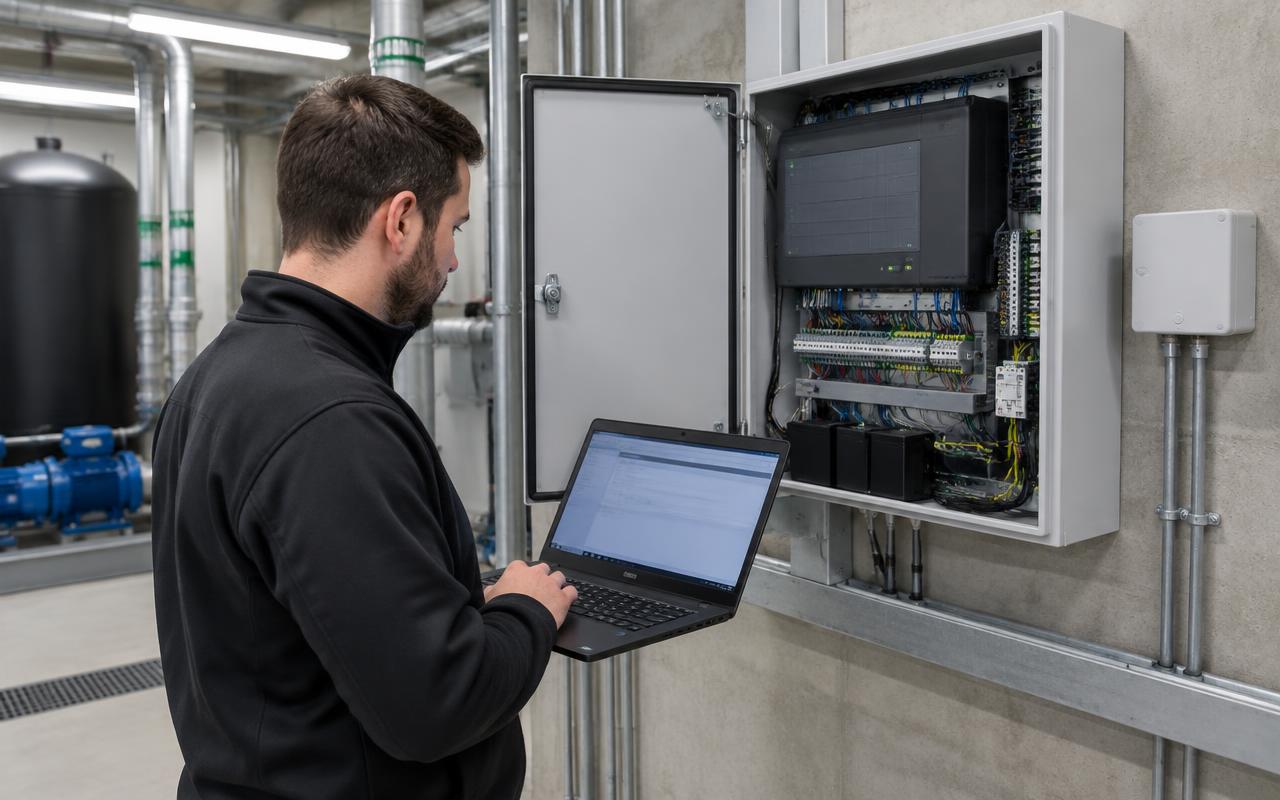
Technician with a laptop commissioning a security panel in a plant room
Commissioning a security panel. Illustrative image of generic, unbranded equipment — not our completed work.

Suitable for

  • Offices and shared workplaces
  • Retail and commercial premises
  • Warehouses and industrial sites
  • Residential buildings and homes
  • Multi-site organisations

Installation includes

  • Door-by-door assessment
  • Readers, controllers and power supplies
  • Electric locks and compatible hardware
  • Cabling and commissioning
  • User setup and training

Relevant equipment

  • Genea
  • Inner Range Inception and Integriti
  • UniFi Access
  • Compatible locks and door hardware

What changes the price

  • Number and type of doors
  • Locking hardware and door modifications
  • Cabling routes and power
  • Software licences and subscriptions (quoted separately)
  • Integration requirements

FAQs

Common questions

Talk to us about your site.

Tell us what you have and what you need. We'll assess the site and send an itemised proposal, with licences, subscriptions and monitoring shown separately from installation.

Get an estimate