Skip to content
Smart WiFi

Service

The cabling behind a reliable network.

WiFi, cameras, computers and building systems depend on the connections behind them. We install structured copper and fibre cabling with organised pathways, clear labelling and testing matched to the project.
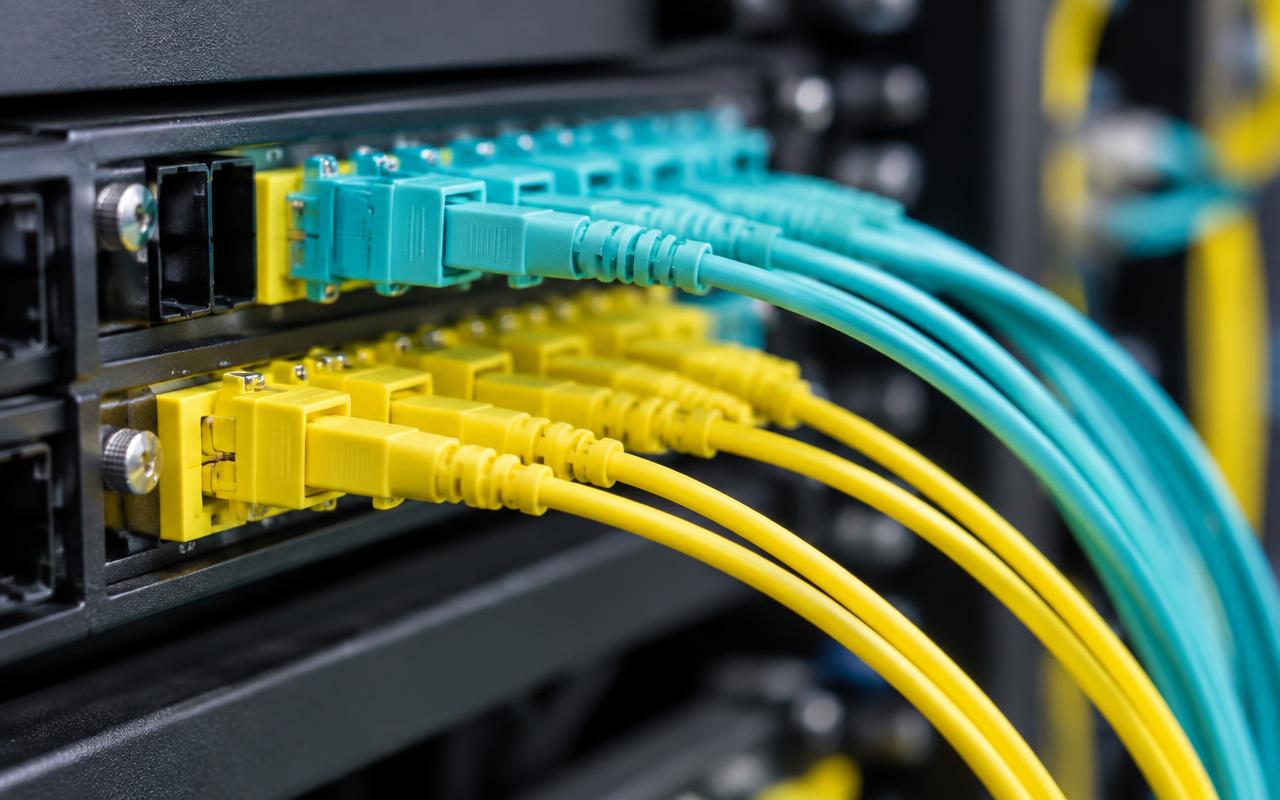
Fibre patch panel with yellow and aqua connectors and patch leads
Fibre patch panel and connectors. Illustrative image of generic, unbranded equipment — not our completed work.

The problem

Why it matters

Copper channels are normally limited to 100 m. Beyond that, or between separate buildings, fibre is often the more robust choice.

How it works

Our approach

  1. 01Multimode (OM3/OM4) suits shorter backbones; single-mode (OS2) suits longer and campus routes.
  2. 02The glass doesn't conduct electricity, which helps between buildings when the route is appropriately designed. Devices at each end still need power.
  3. 03Fibre is terminated, installed in suitable pathways and tested for loss where offered.

Fibre backbones

Fibre links comms rooms, floors and buildings where copper distances or electrical separation become a problem.

  • Connections between floors
  • Links between buildings
  • Warehouse and campus backbones

Copper or fibre?

Copper carries electrical signals and suits runs up to about 100 m to outlets and devices — and can deliver PoE power. Fibre carries light, suits longer backbones and links between floors or buildings, and doesn't conduct electricity, but can't power devices.

Structured cabling with CommScope

CommScope provides copper and fibre connectivity for structured networks, including SYSTIMAX solutions where specified. We select suitable cable, outlets and patch panels, design the complete channel with consistent components, and install, test and document it with room for expansion. Performance depends on the complete system and how it is installed, not the cable brand alone. Any manufacturer warranty is subject to eligibility and project requirements being verified — we don't claim partner certification or an extended system warranty by default.

  • Cable, outlet and patch panel selection
  • Complete channel design with consistent components
  • Organised racks and patching
  • Copper and fibre backbone options
  • Testing, documentation and future expansion

In pictures

What this looks like

Illustrative images of typical equipment and settings — not photographs of our completed projects.
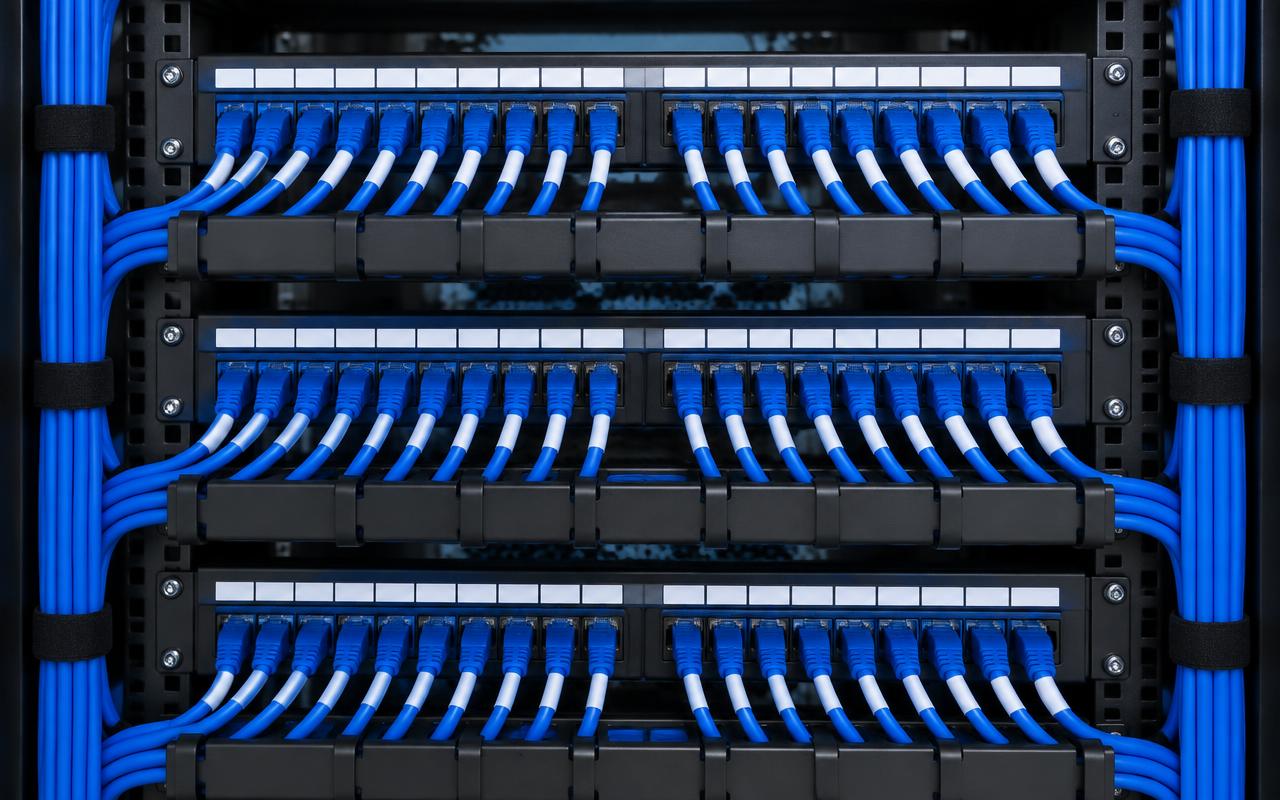
Neatly dressed blue patch leads across labelled patch panels
Dressed and labelled patch panels. Illustrative image of generic, unbranded equipment — not our completed work.
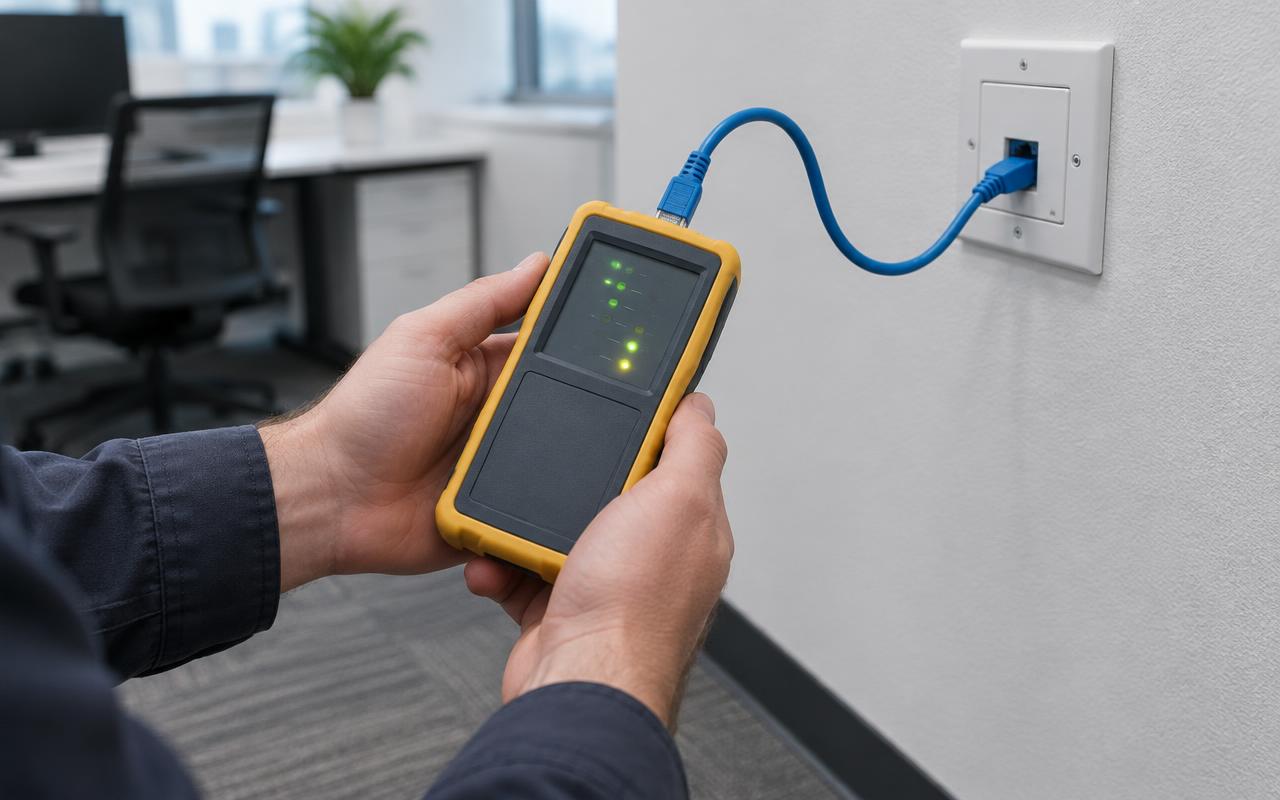
Technician holding a cable tester connected to a wall outlet
Testing an outlet. Illustrative image of generic, unbranded equipment — not our completed work.
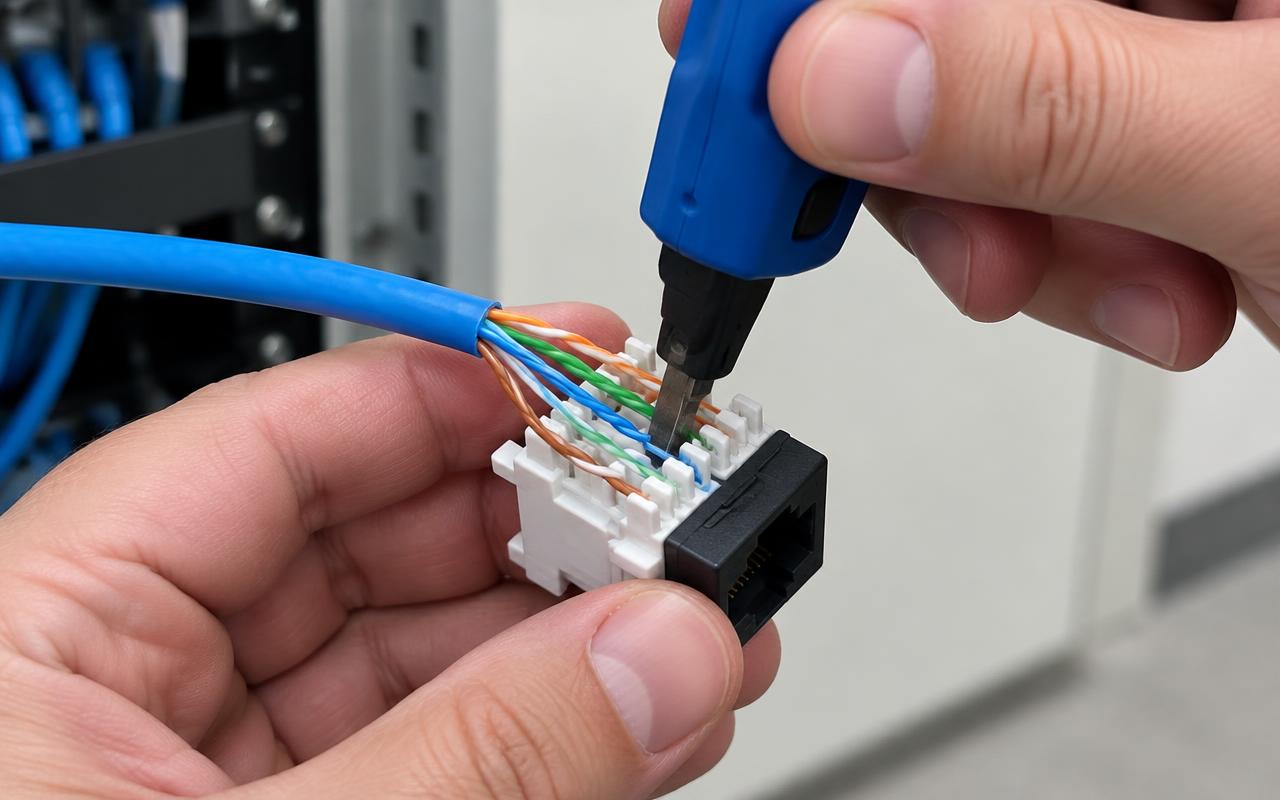
Hands terminating a Cat6 cable into a keystone jack with a punch-down tool
Copper termination. Illustrative image of generic, unbranded equipment — not our completed work.

Suitable for

  • Campus and multi-building sites
  • Warehouse backbones
  • Comms rooms over 100 m apart
  • Sheds and outbuildings

Installation includes

  • Route design
  • Installation and termination
  • Optics and media converter selection
  • Loss testing where offered

Relevant equipment

  • OM3 / OM4 multimode
  • OS2 single-mode
  • SFP+ optics
  • Fibre patch panels

What changes the price

  • Route length and pathway
  • Trenching or conduit
  • Number of cores
  • Termination type
  • Optics at each end

Start with an indicative estimate.

Use the calculator for an allowance in minutes, then book a site assessment to confirm the design and an itemised proposal.

Get an estimate