Indoor and outdoor models
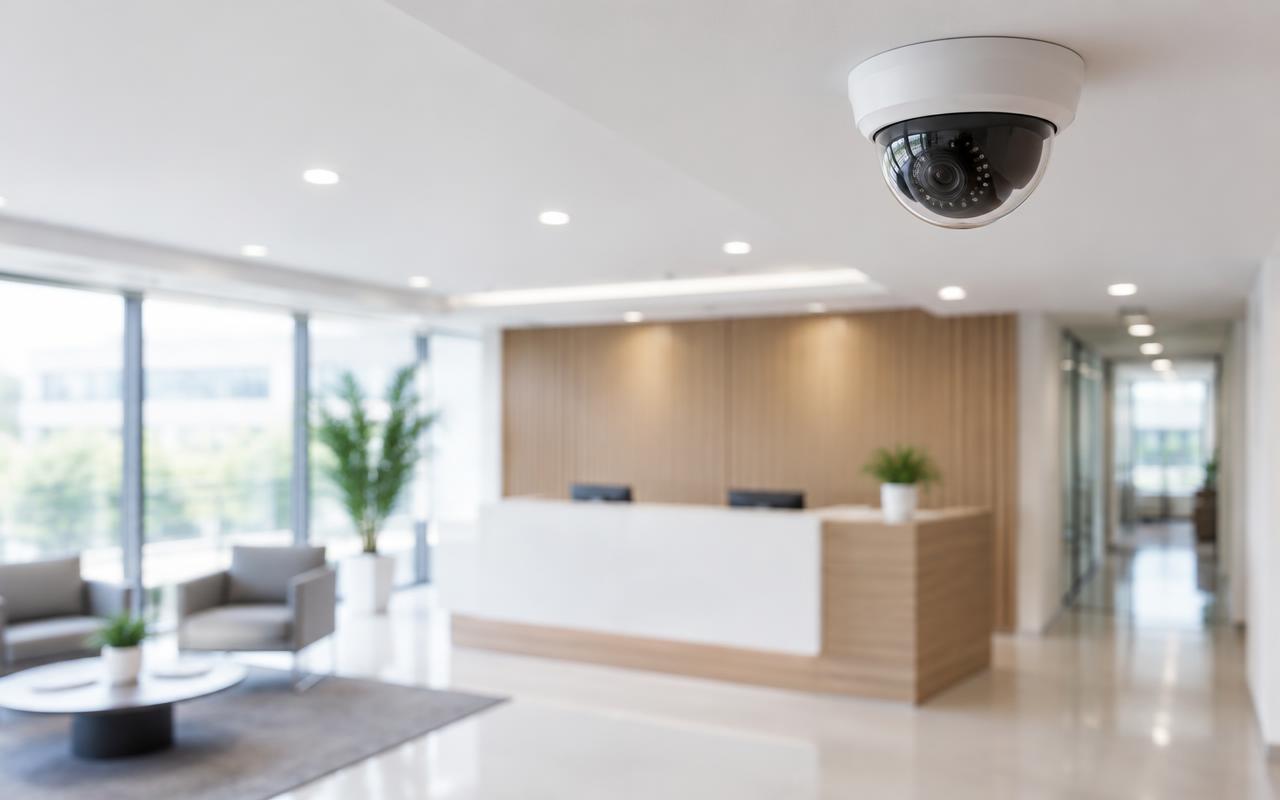
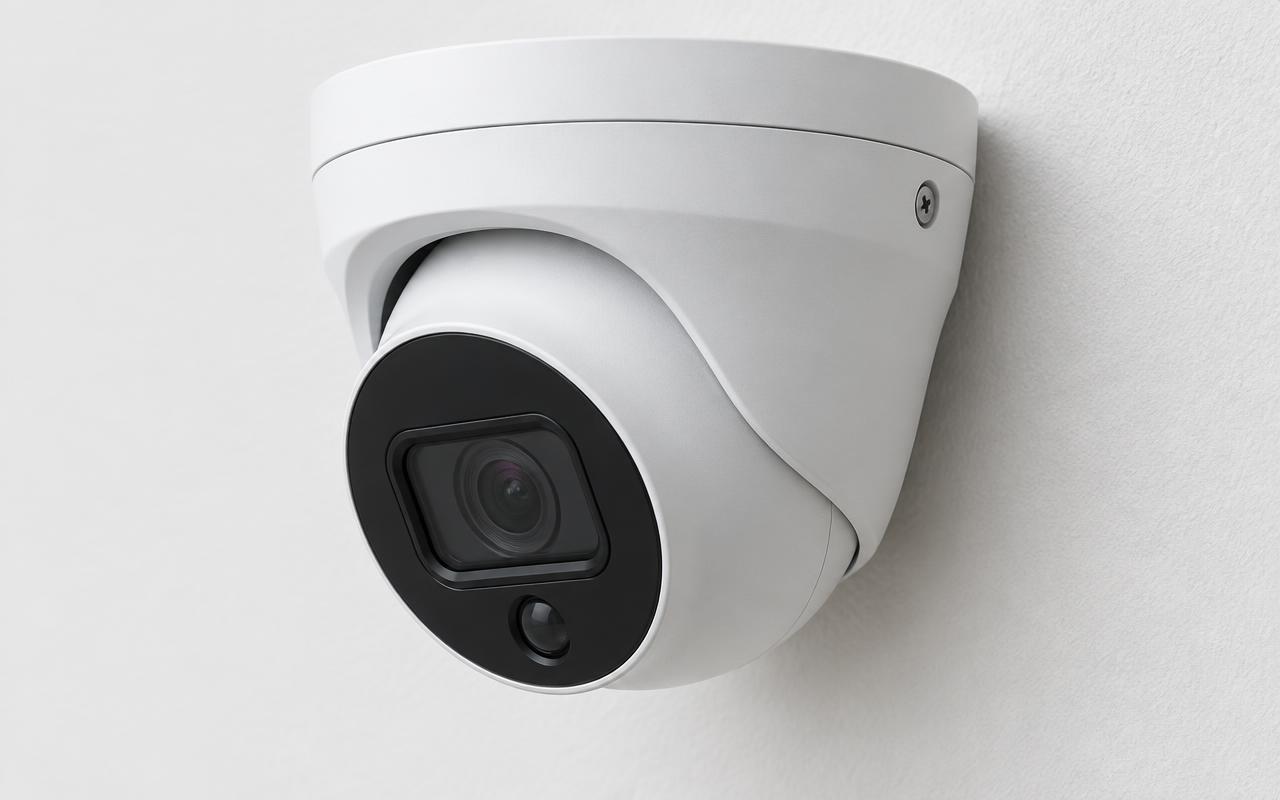
Meraki offers indoor and outdoor MV cameras in different form factors and fields of view. Model choice follows the view required, not the other way round.
CCTV platform
Cisco Meraki MV cameras are managed through the Meraki dashboard, so organisations with several locations can see and manage every site from one place.
The problem
Multi-site organisations often end up with a different recorder, login and backup arrangement at every branch. Central visibility, consistent permissions and less hardware to look after at each site are usually the goals.
How it works
Meraki offers indoor and outdoor MV cameras in different form factors and fields of view. Model choice follows the view required, not the other way round.
Because footage is stored on the camera, our website's generic NVR and hard-drive allowances do not apply to Meraki estimates. We assess the camera, its storage and its licence requirements instead.
Footage can be reviewed and exported remotely. Analytics such as people or vehicle detection are available on selected models only, and we confirm them against the model you choose.
Dashboard roles allow head office, site managers and contractors to see only what they need, across as many locations as you manage.
How Meraki MV records
Camera with storage
Each MV camera records to its own on-board storage.
Network
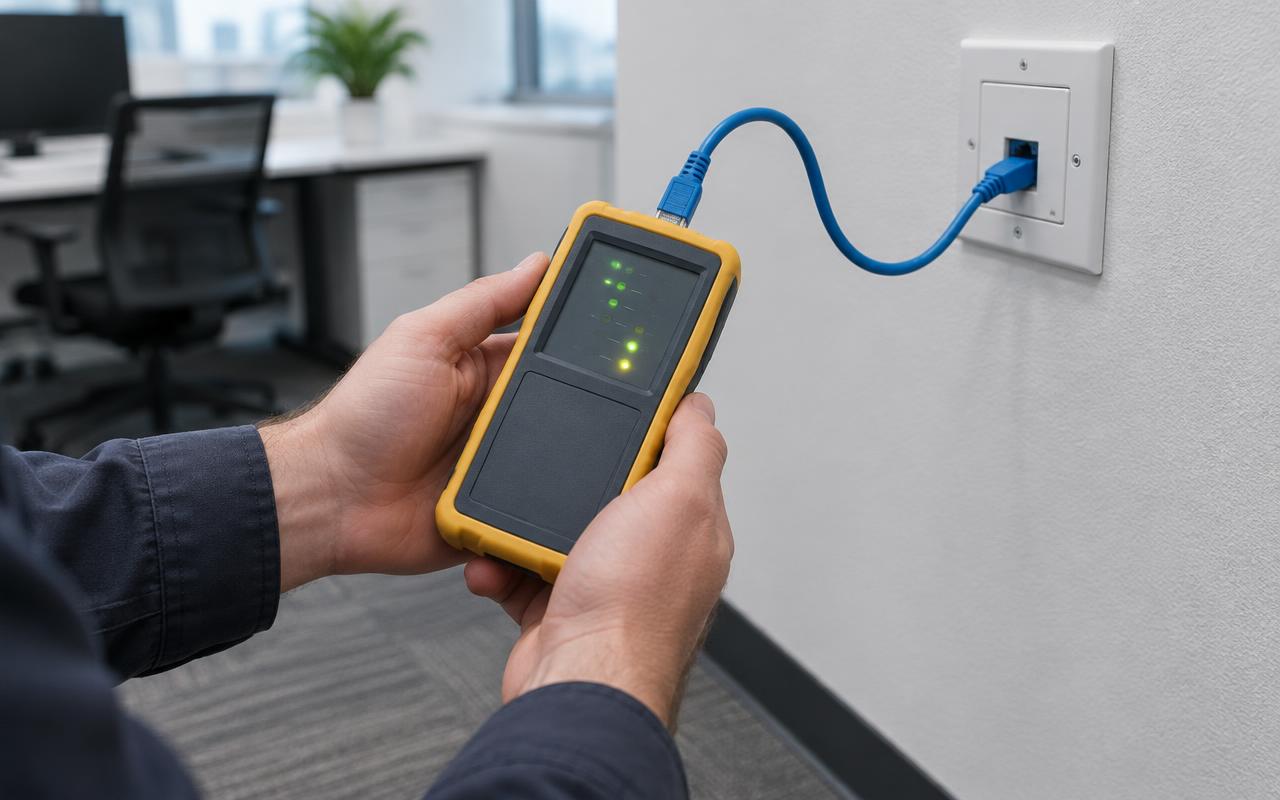
PoE switching powers the camera and connects it to the internet.
Meraki dashboard
Configuration, users and footage review are managed in the cloud.
Viewing
Authorised users view and export footage remotely.
Simplified illustration of the standard MV architecture. No conventional central NVR is shown because one isn't normally required.
In pictures
Illustrative images of typical equipment and settings — not photographs of our completed projects.
FAQs
Tell us what you have and what you need. We'll assess the site and send an itemised proposal, with licences, subscriptions and monitoring shown separately from installation.