Protect your property with a camera system designed around what you need to see. We design, install and configure CCTV for homes, businesses and industrial sites, including cameras, recording, cabling, remote viewing and user training.
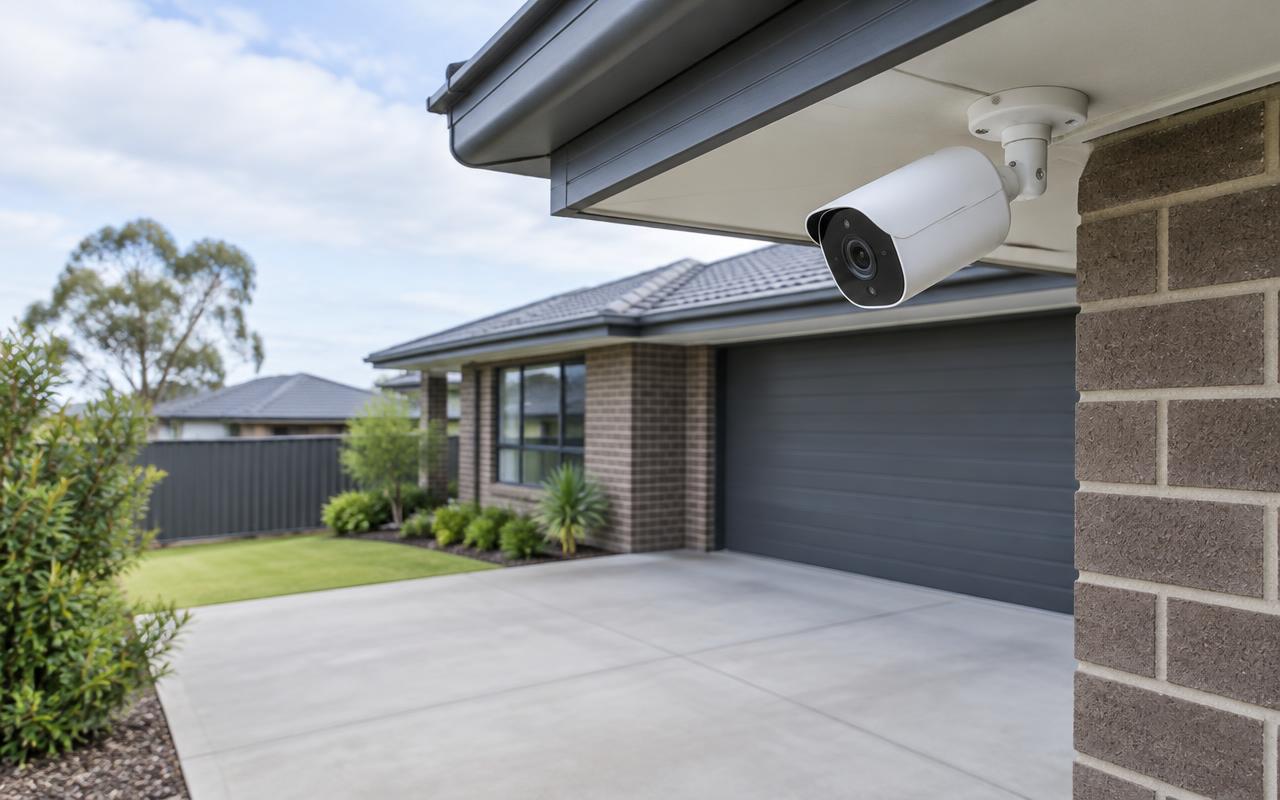
Driveway and entry coverage. Illustrative image of generic, unbranded equipment — not our completed work.
The problem
Why it matters
A camera placed high on a corner often records a lot of footage and very little detail. At home, the useful views are usually close: the front door, the driveway, the side gate and the back entry — each needs its own angle and lighting check.
How it works
Our approach
01We walk the property with you and agree what each camera must show.
02Cameras are chosen for indoor or outdoor exposure, lens and night performance.
03Recording is sized for the number of days you want to keep, with event recording where it suits.
04Phone viewing is set up for each household member, with their own login.
Positioning and coverage planning
Each camera is given a job before it's given a bracket. A camera meant to recognise a visitor at the front door is placed differently from one watching a whole car park.
Entrances, driveways and side gates
Reception areas and service counters
Stockrooms and loading docks
Fence lines, yards and perimeters
Megapixels aren't the whole story
A higher-resolution camera does not on its own make footage useful. Lighting, mounting height, viewing angle, lens choice and how fast people or vehicles move all decide what you can actually see. We don't promise that any camera will identify faces or number plates at any distance — identification views are designed for a specific spot.
Indoor, outdoor and lens choice
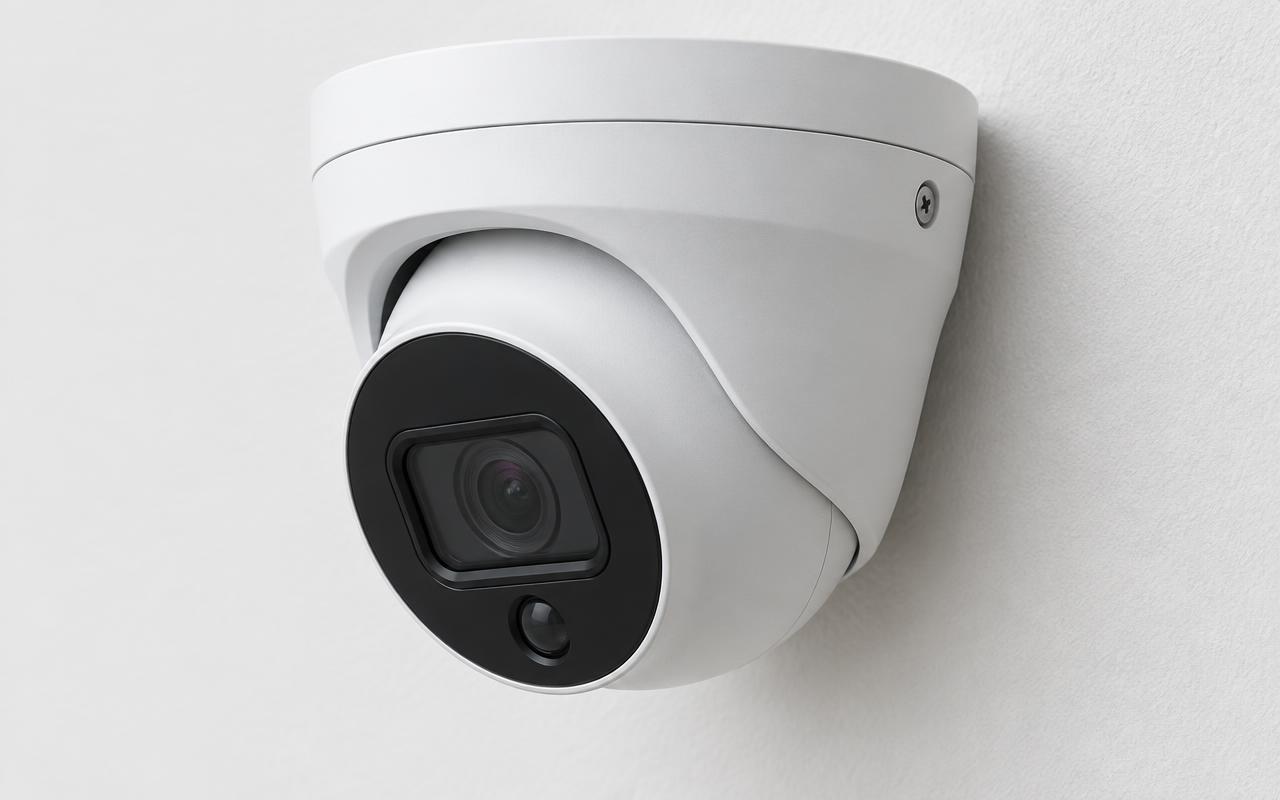
Indoor domes and turrets suit ceilings and walls; weather-rated bullets and turrets suit eaves, poles and walls exposed to rain and sun. Wide lenses show more area with less detail; narrower or adjustable lenses trade area for detail at distance.
Low light and night recording
Infrared gives usable black-and-white images in darkness; colour low-light models rely on some ambient or supplementary lighting. Performance varies by model, so we check it against each location's lighting rather than relying on brochure claims.
Recording and retention
Continuous recording keeps everything; event-based recording keeps motion or detections and stretches storage further. Retention is planned from camera count, bitrate, recording mode and the number of days you want — then checked against usable recorder storage.
Continuous, scheduled or event-based recording
Retention target set from your requirements
Storage sized with headroom, not guesswork
Viewing, access and footage export
Live and recorded footage can be viewed on phones and computers. Users get only the permissions they need, remote access is set up securely with unique credentials, and staff are shown how to search the timeline and export a clip when something happens.
Upgrades and integration
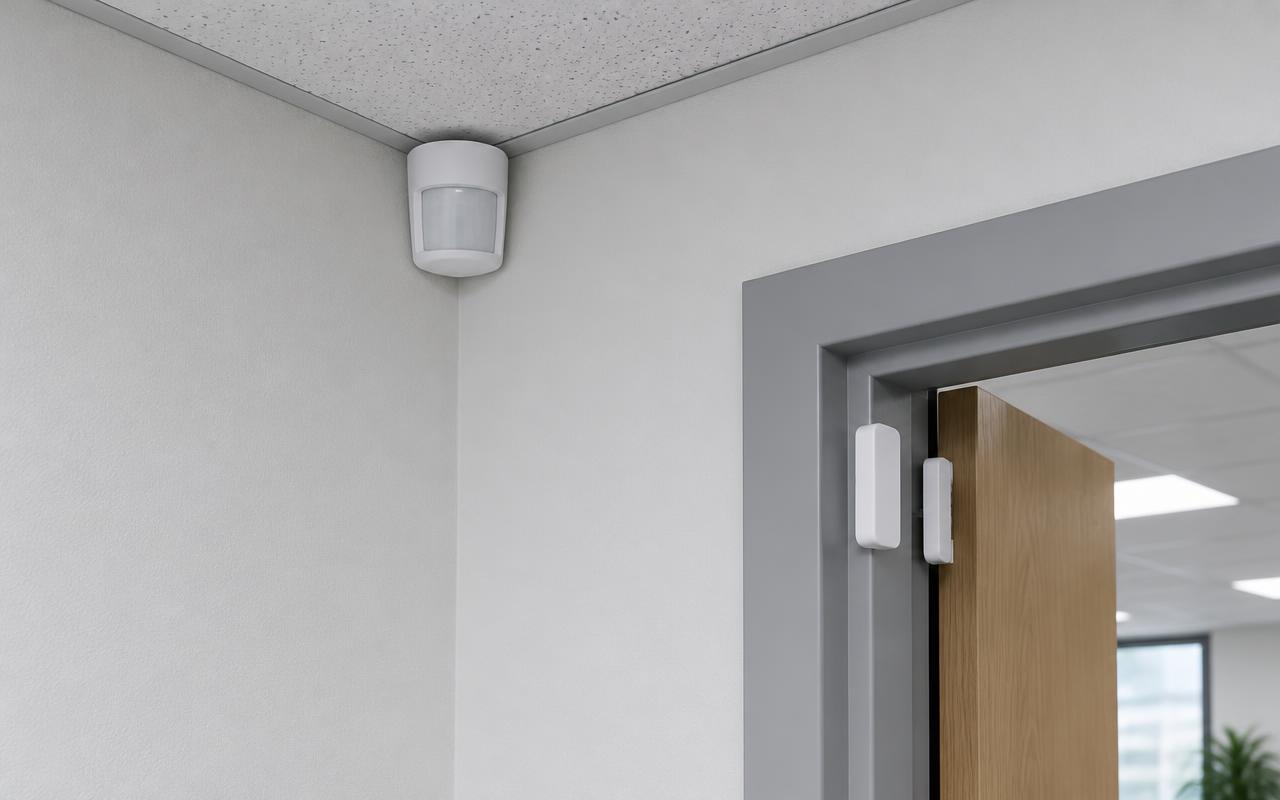
We can assess existing cameras, cabling and recorders and reuse what is suitable. Where the selected equipment supports it, CCTV can be linked with access control and alarms — for example, bookmarking footage when a door is forced. Integration is confirmed for the specific products, never assumed.
Example
An example camera coverage plan
Each camera has a stated purpose. Detail views are close and narrow; overview views are wide.
Building
Entry — identify
Car park — overview
Loading dock
Stockroom
Illustrative example only — not a design for any real site.
How it fits together
Camera → network → recording → viewing
Camera
Captures the view it was positioned and configured for.
Network
Cabling and PoE switching carry video and power.
Recording
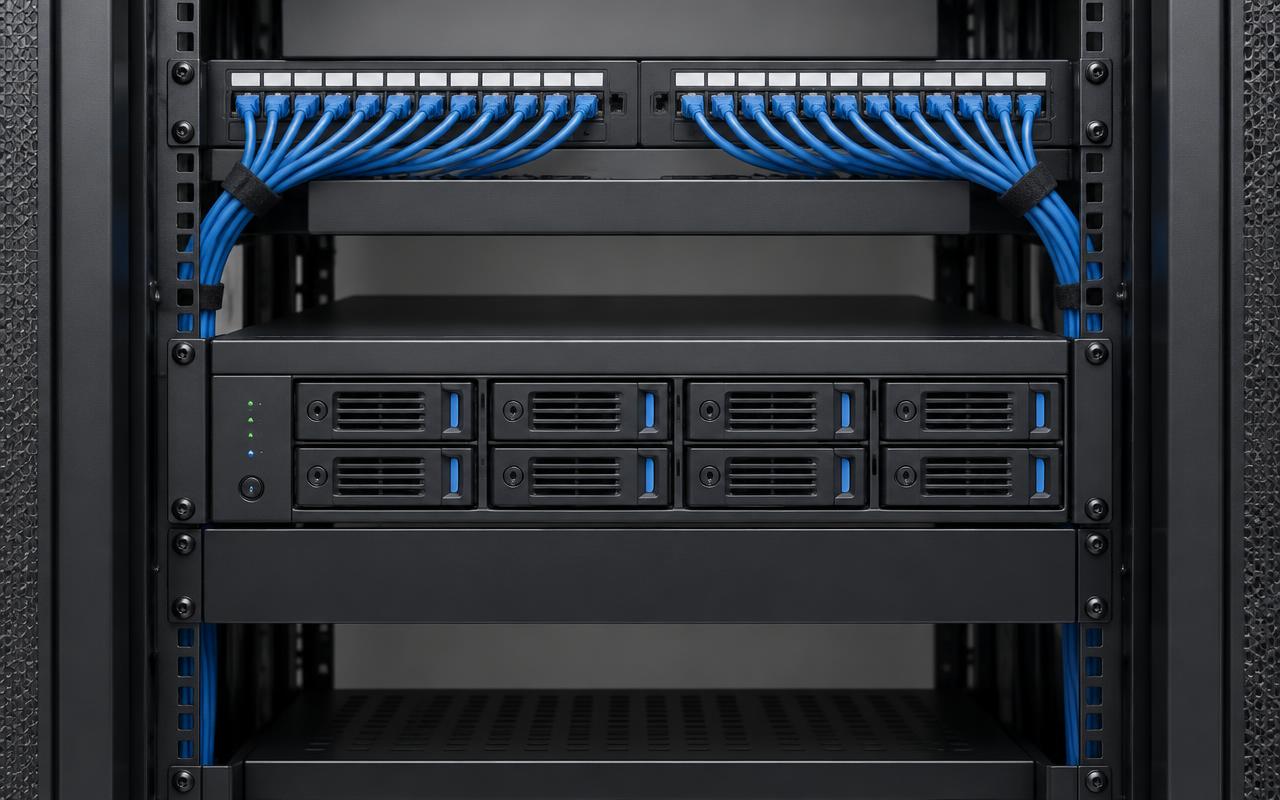
An NVR or console stores footage for the retention target.
Viewing
Authorised users watch live, search and export on phone or desktop.
Simplified illustration of a typical recorder-based system.
In pictures
What this looks like
Illustrative images of typical equipment and settings — not photographs of our completed projects.
Turret camera close-up. Illustrative image of generic, unbranded equipment — not our completed work.Recorder with drive bays in a rack. Illustrative image of generic, unbranded equipment — not our completed work.Motion detector and door contact. Illustrative image of generic, unbranded equipment — not our completed work.